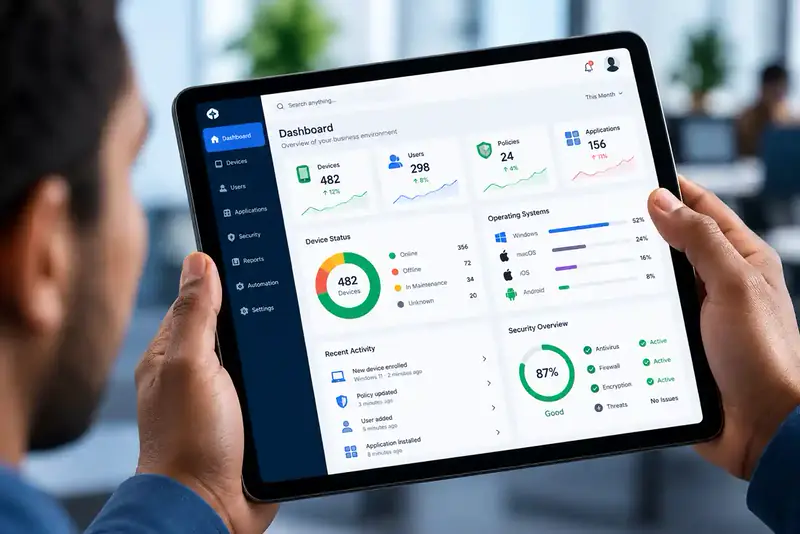
Cloud-based attendance management.
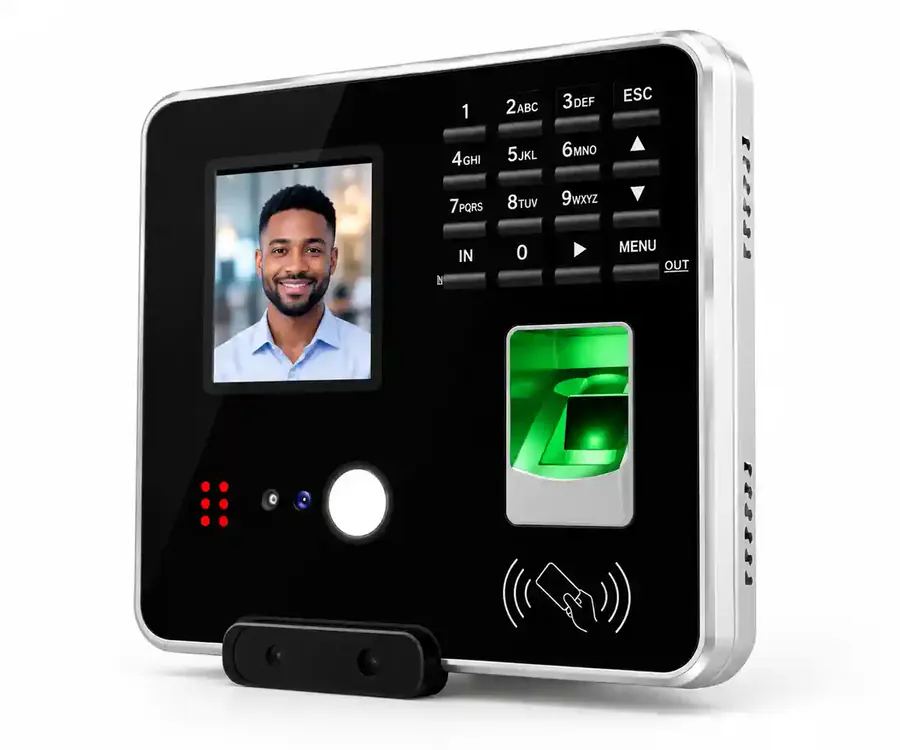
Cloud Time Clock Attendance system
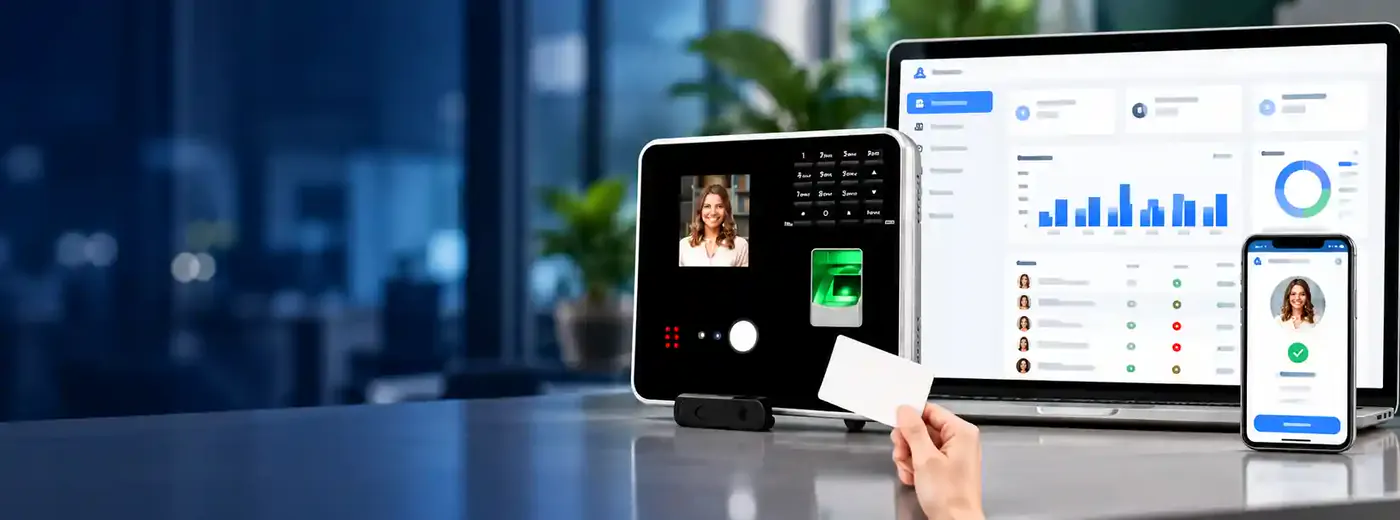
Record, manage and monitor employee attendance from virtually anywhere. Punches go straight to the cloud, where time cards, schedules, shifts and reports are handled for you.
- 200 Users
- 30,000 Attendance logs
- LAN & 2.4 GHz Wi-Fi
- Offline Recording & sync
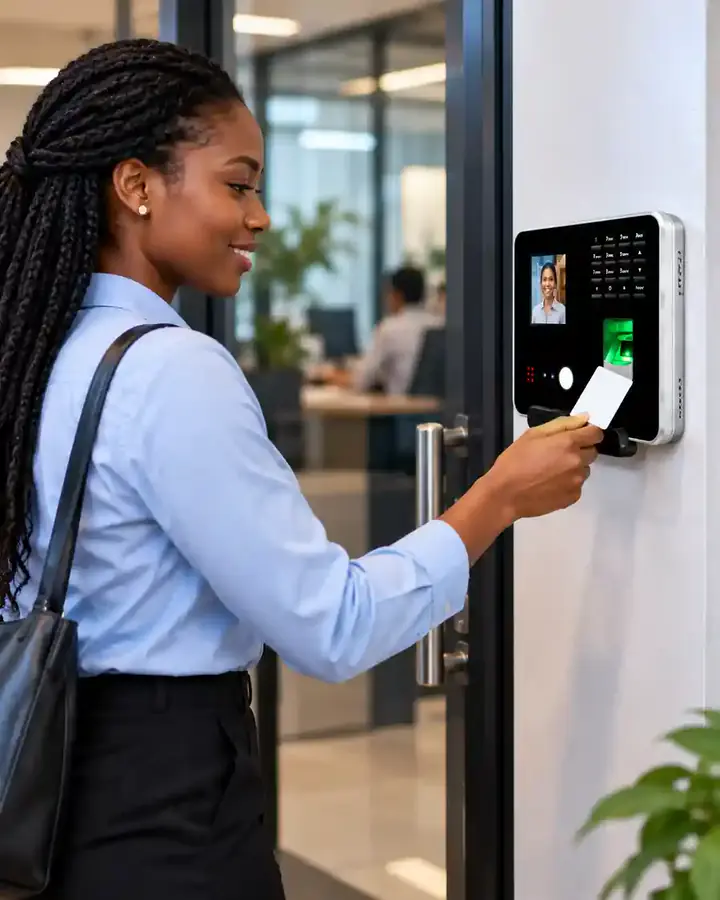
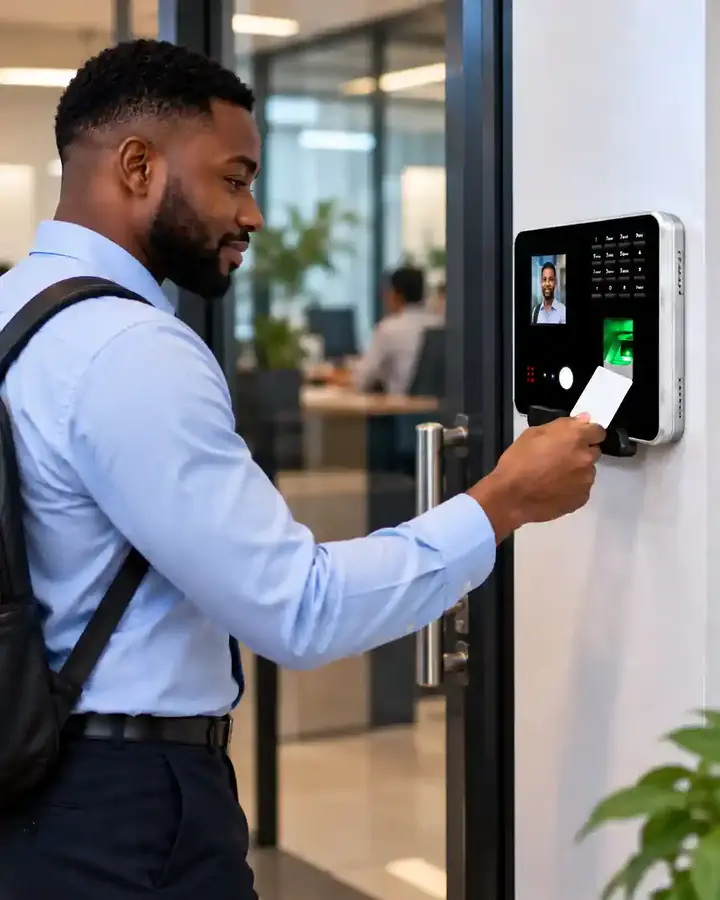
Real-time punch data
Smart, cloud-based time tracking for modern businesses
Connect your time clock to a cloud attendance platform and you can see punch data in real time, manage schedules, assign shifts, generate time cards and automate reports — without being at the workplace.
It replaces manual attendance registers with a structured, centralised approach to workforce time management, for organisations of every kind:
How it works
A simple, reliable process
-
Employees clock in and out
Staff record their attendance on the time clock device.
-
Punches are recorded
Punch data is stored on the device and synchronised with the cloud.
-
The cloud processes it
The system calculates time cards and updates your dashboards.
-
Review and report
Managers review attendance and generate or schedule reports.
Key features
Everything you need to manage attendance
-
Real-time attendance monitoring
Follow employee punch activity on the cloud platform from anywhere with an internet connection.
-
Cloud-based access
Your attendance data isn't tied to where the clock is mounted. Authorised users sign in from a web browser.
-
Automatic time cards
Punch records are processed into time cards automatically — no more adding up hours from paper sheets.
-
Employee scheduling
Set working schedules to match how your organisation runs, with different periods for different employees, teams or departments.
-
Shift management
Assign shifts and compare actual punches against expected working periods.
-
Attendance reports
Understand attendance over any period, for management review and administration.
-
Automated report sending
Schedule attendance reports to reach the right people automatically, instead of preparing and sending them by hand.
-
Centralised management
Replace scattered spreadsheets, paper registers and standalone devices with one platform for attendance, schedules, shifts and reports — easier to organise and audit.
-
Remote management
Review attendance without being at the time clock — ideal for the people who need the data most.
Offline recording
Attendance shouldn't stop because the internet does
When the network drops, the time clock keeps recording punches locally and synchronises them with the cloud as soon as the connection is back — so temporary outages never leave gaps in your records.
Connect over LAN/Ethernet where you have wired networking, or 2.4 GHz Wi-Fi where running a cable isn't convenient.
- 200 Users
- 30,000 Attendance logs
- LAN & 2.4 GHz Wi-Fi
- Offline Recording & sync
Built for small & mid-sized organisations
One platform for attendance, schedules, shifts and reports
More capable than a manual register, without the cost and complexity of an enterprise workforce-management system.
FAQ
Cloud Time Clock questions, answered
How many employees does the Cloud Time Clock support?
Up to 200 users and 30,000 attendance logs, which suits small and mid-sized organisations that have outgrown a manual register but don't need an enterprise workforce-management system.
Does it keep working if the internet goes down?
Yes. The time clock stores punches locally while the connection is unavailable and synchronises them with the cloud as soon as connectivity returns, so there are no gaps in your attendance records.
How does the time clock connect to our network?
It connects over LAN (Ethernet) or 2.4 GHz Wi-Fi. LAN is the simplest option where you already have wired networking; Wi-Fi gives flexibility where running a cable is inconvenient.
Can I check attendance when I'm not in the office?
Yes. Because the system is cloud-connected, authorised users can view punches, time cards and reports from a web browser on a computer, laptop or tablet — wherever they are.
Does it calculate overtime and late arrivals?
The system calculates total hours, late arrivals, early departures and missing punches from recorded attendance. Overtime is included where it has been configured for your schedules.
Can reports be sent automatically?
Yes. You can schedule daily, weekly or monthly attendance reports so managers receive them without generating them manually each time.

Get in touch
Replace your paper register
Tell us how many employees and sites you have, and we'll recommend the right Cloud Time Clock setup for your business.
More from Trifokal Space
Explore our other products
-
QR-Patrol
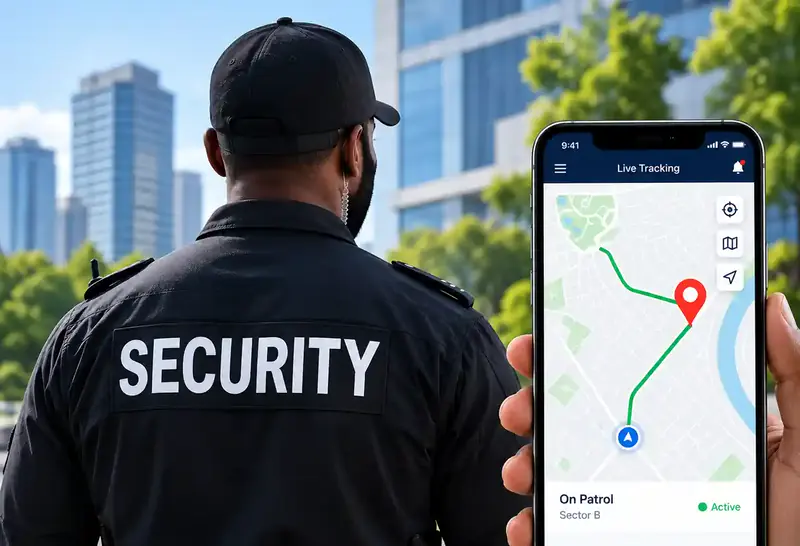
Cloud-based guard tour management with real-time site and officer information.
-
GPS Car Tracking
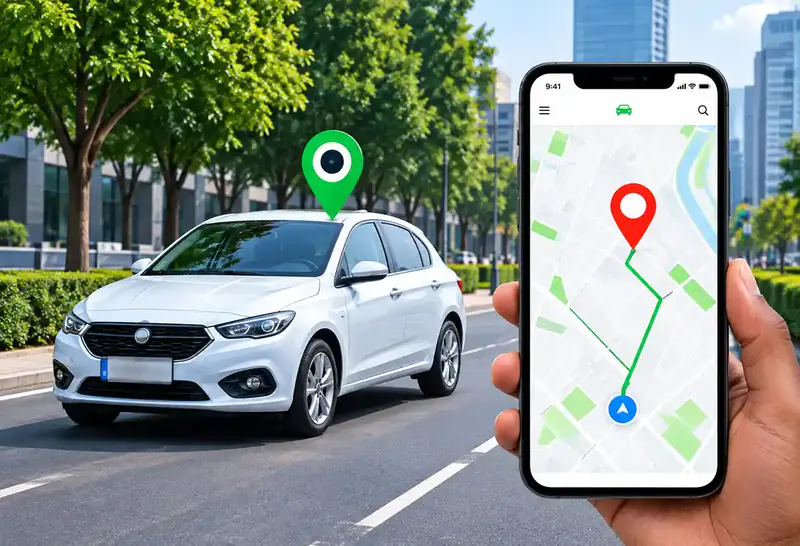
Reliable, real-time tracking for cars, trucks and motorbikes via web platform, mobile app and SMS.
-
Trifokal 2-Way Radio
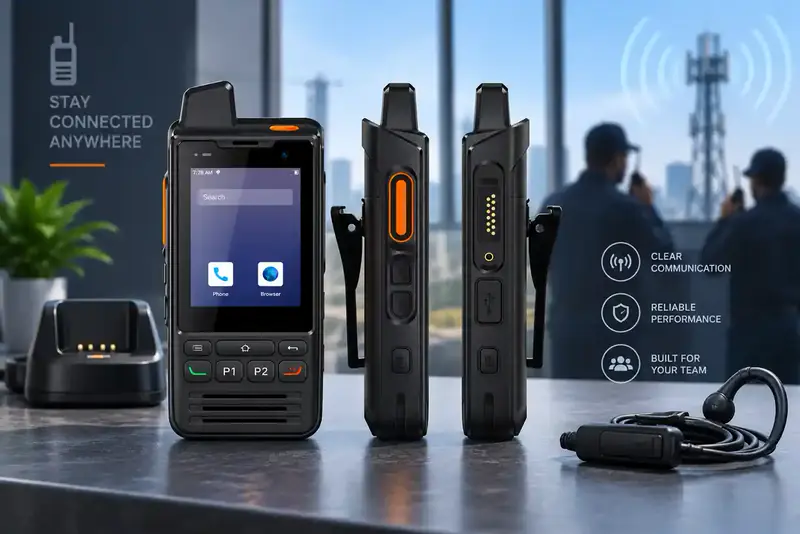
Internet-powered push-to-talk with incident reporting, geolocation and SOS alerts. IP68, 4G, 5300 mAh, Android.
-
Unified Endpoint Management
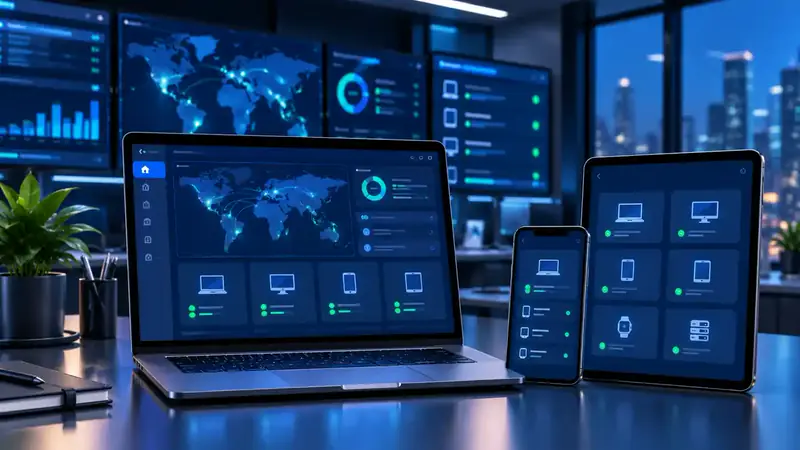
Centrally manage and secure computers, laptops, phones, tablets, POS systems and wearables.
-
Mobile Device Management
Full visibility and control to secure, manage and monitor corporate and employee-owned devices.