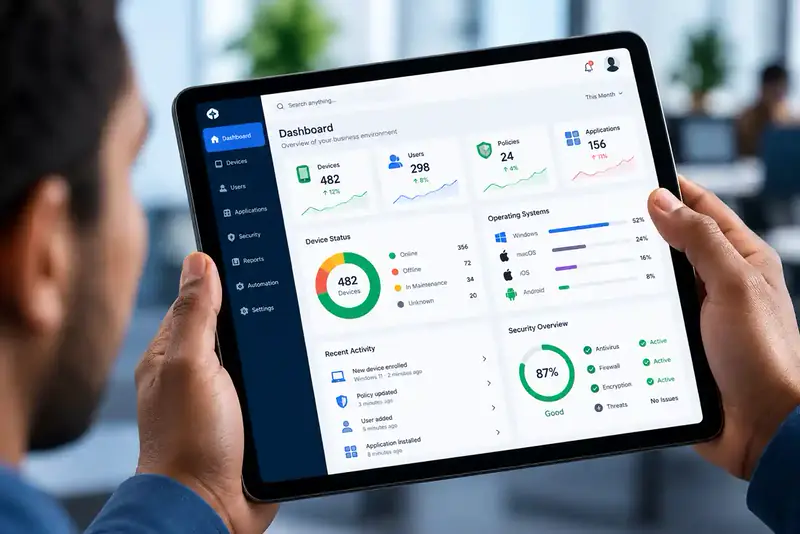
Manage every device. Secure every endpoint.
Unified Endpoint Management
Remotely manage, monitor, configure and secure every computer, smartphone, tablet and POS terminal in your organisation — from a single platform. Simplify IT operations, wherever your people work.
- Windows
- macOS
- Android
- iOS / iPadOS
What is UEM?
One platform for every device your business runs on
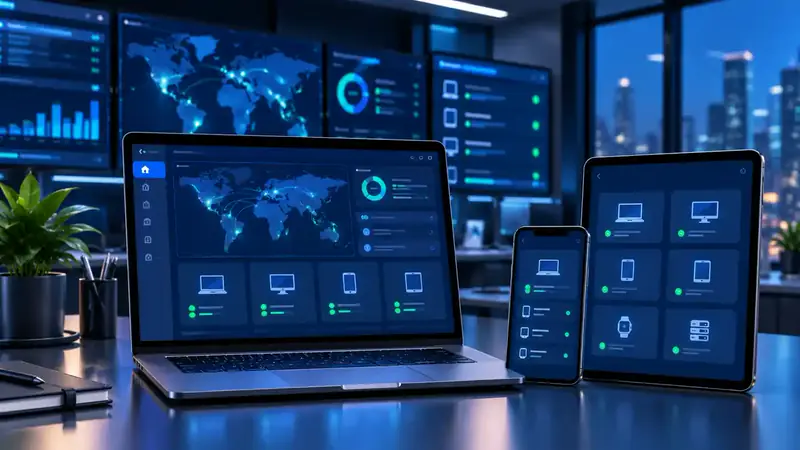
Unified Endpoint Management lets you manage all kinds of endpoint devices from one central administration platform. An endpoint is any device that connects to your organisation's digital environment — a laptop, smartphone, tablet or specialised business device.
Traditionally, businesses use separate systems for computers, mobile devices and other equipment. UEM brings it all together, giving your IT team greater visibility and control — and keeping configurations and security policies consistent whether staff work in the office, remotely or across multiple locations.
- Desktop computers
- Laptops
- Smartphones
- Tablets
- POS terminals
- Wearables & VR
Device compatibility and available controls depend on the UEM platform, operating system and enrolment method.
Key features
Everything you need to manage and secure endpoints
-
Centralised device management
One dashboard for every managed endpoint — configuration, management status and security information in a single view.
-
Remote device management
Apply configurations, push settings and run management actions without physical access — across offices, branches and remote staff.
-
Enrolment & provisioning
Register new devices and apply your standard setup automatically, so every device is business-ready the same way.
-
Endpoint security
Enforce password, screen-lock, encryption and OS restrictions to cut the risk from poorly configured or unmanaged devices.
-
Application management
Deploy approved apps, manage updates and settings, restrict unauthorised apps and maintain an approved app catalogue.
-
Inventory & asset visibility
Know exactly what is deployed, to whom, and its management status — for asset management, IT planning and reviews.
-
Security policy enforcement
Set policies per department or employee group — passcodes, encryption, minimum OS versions — and distribute them to enrolled devices.
-
Remote lock & wipe
Respond to lost, stolen or unauthorised devices: lock remotely, remove business data selectively, revoke access or wipe the device fully.
-
Compliance monitoring
Automatically flag devices that miss a required security setting or run an unsupported OS, so you can act before it becomes a risk.
-
OS & update management
Track OS versions, schedule updates and enforce minimum OS requirements for a consistent, secure fleet.
-
Multi-platform management
Windows, Android, Apple and specialised business devices, managed from one consolidated console instead of separate tools.
-
Device lifecycle management
Control every device from enrolment and deployment through reassignment to secure retirement.
How it works
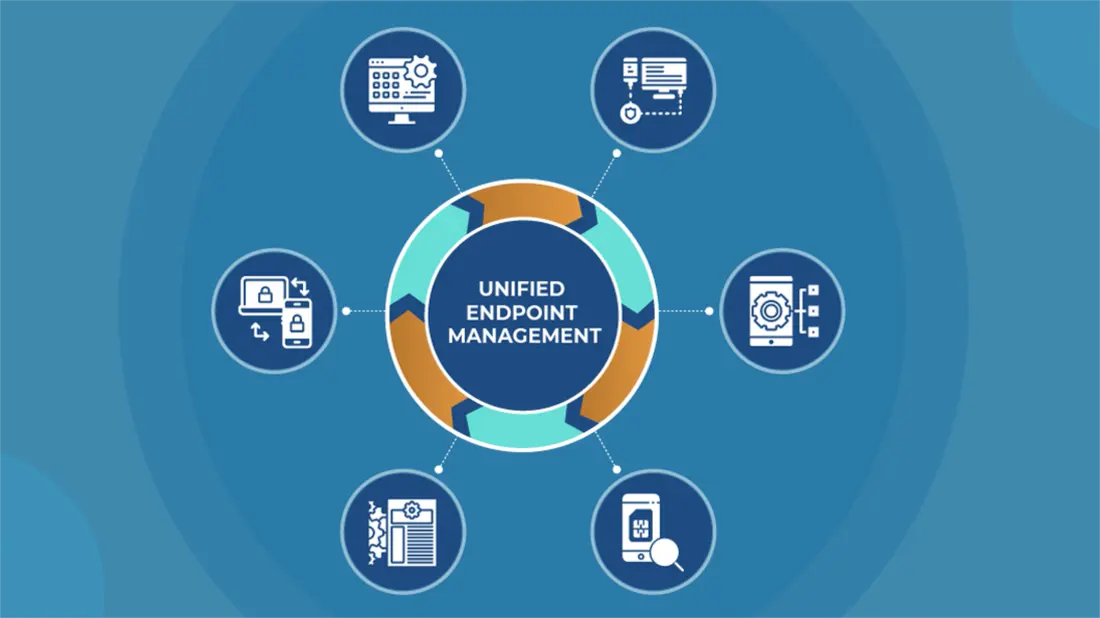
Enrolled devices, connected to one central platform
The central UEM platform holds your device administration and security policies, and connects to computers, mobile devices and specialised equipment.
-
Device enrolment
Compatible organisational devices are registered with the management platform.
-
Policy configuration
IT defines the security requirements, configurations and management settings.
-
Remote administration
Configurations and management commands are pushed out to enrolled devices.
-
Monitoring & compliance
Admins review device information, spot issues and keep policies enforced.
Device lifecycle
Control from first boot to retirement
Device management doesn't end at installation. UEM supports every stage of a device's working life, from deployment to reassignment and secure retirement.
- Enrol
- Configure
- Secure
- Monitor
- Retire
Business benefits
Less IT overhead. More control.
UEM gives organisations a coordinated approach to endpoint administration — and the value grows as your device count and technology needs increase.
Discuss your devices- Stronger endpoint securityConsistent security controls and fewer risks from unmanaged devices.
- Less IT admin timeRoutine configuration and management handled centrally.
- Clear device visibilityOne overview of devices, configurations and compliance status.
- Remote & hybrid work readyManage business devices wherever employees work.
- Scales with youDevice management processes that support your growth.
Industries
Built for organisations of every kind
- CorporateEmployee computers and mobile devices, centrally managed.
- Retail & hospitalityPOS terminals, tablets and operational devices.
- Financial institutionsDevices that handle business and financial information.
- HealthcareAdministrative and clinical endpoints.
- EducationInstitutional laptops, tablets and computers.
- Logistics & transportMobile devices used by field teams.
- ManufacturingIndustrial tablets and operational endpoints.
- GovernmentStandardised management across departments and offices.
UEM vs traditional device management
Why organisations are making the switch
Technical overview
UEM at a glance
Administered by your authorised IT team. Exact capabilities depend on the UEM platform Trifokal Space deploys for your organisation.
Only managing phones and tablets? See Mobile Device Management.
- Deployment
- Cloud-based or supported enterprise deployment
- Devices
- Computers, laptops, smartphones, tablets and compatible specialised devices
- Operating systems
- Windows, Android, macOS, iOS/iPadOS and others (platform-dependent)
- Enrolment
- Device registration and provisioning
- Security
- Security policies and compliance controls
- Applications
- Managed deployment and configuration
- Remote actions
- Lock, wipe and other supported actions
- Updates
- OS and application update management
- Suitable for
- SMEs, enterprises and distributed organisations
FAQ
UEM questions, answered
What is Unified Endpoint Management?
UEM lets an organisation manage and secure all its endpoint devices — laptops, desktops, smartphones, tablets and specialised business devices — from one central platform, instead of using separate systems for computers and mobile devices.
What is the difference between UEM and MDM?
Mobile Device Management (MDM) focuses on smartphones and tablets. UEM extends the same approach to computers and other endpoints, so everything is managed in a single platform.
Can UEM manage employees who work remotely?
Yes. Enrolled devices can be managed remotely wherever employees work, as long as the device has connectivity and meets the management requirements.
Can it manage different device brands and operating systems?
Yes. UEM supports multiple manufacturers and operating systems, including Windows, Android, macOS and iOS/iPadOS. The exact controls available vary by platform and device.
Can company data be removed from a lost device?
Yes. Depending on the device and how it was enrolled, you can lock it remotely, selectively remove managed business data, or wipe it completely.
Can UEM manage employee-owned (BYOD) devices?
Yes. Bring Your Own Device setups use management methods that keep business data separate from the employee's personal information.
Is UEM suitable for small businesses?
Yes. Any business managing several employee devices benefits from central management — especially when IT resources are limited.

Get in touch
Ready to simplify your IT device management?
One platform. Multiple devices. Greater control. Talk to Trifokal Space about a UEM solution tailored to your business.
More from Trifokal Space
Explore our other products
-
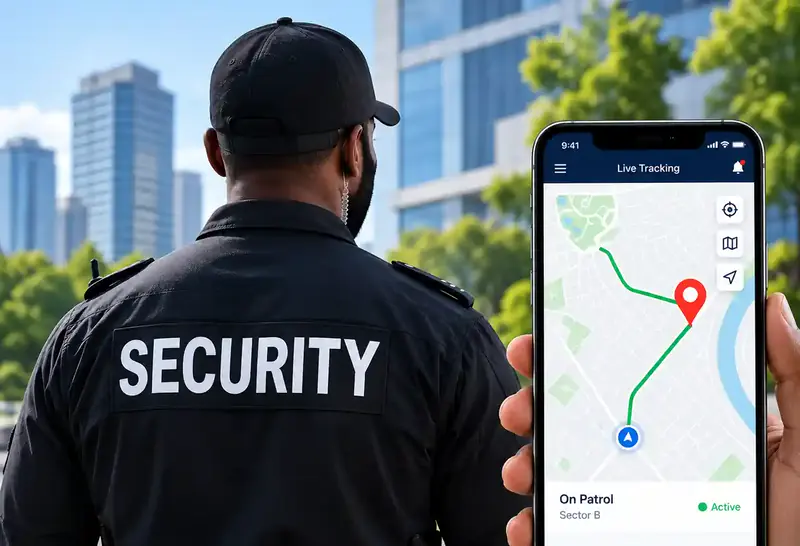
QR-Patrol
Cloud-based guard tour management with real-time site and officer information.
-
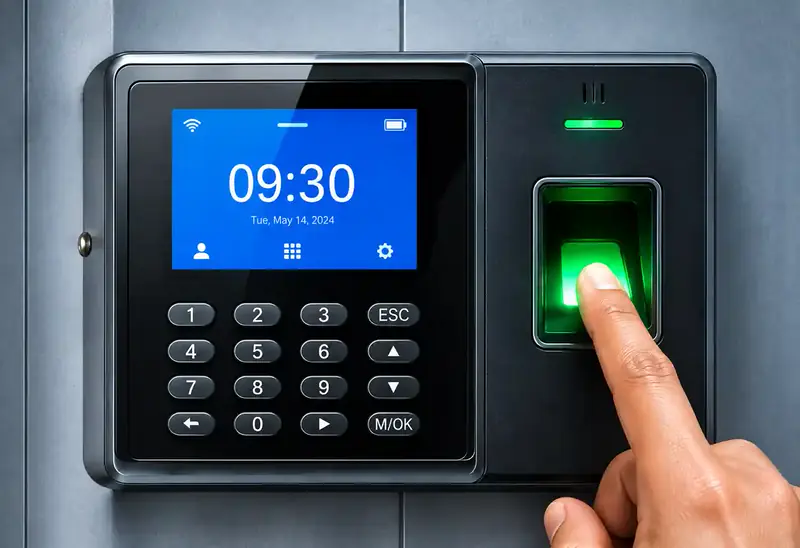
Cloud Time Clock
Real-time punch data, automated time cards, scheduling and reports. Supports 200 users and 30,000 logs, and keeps working offline.
-
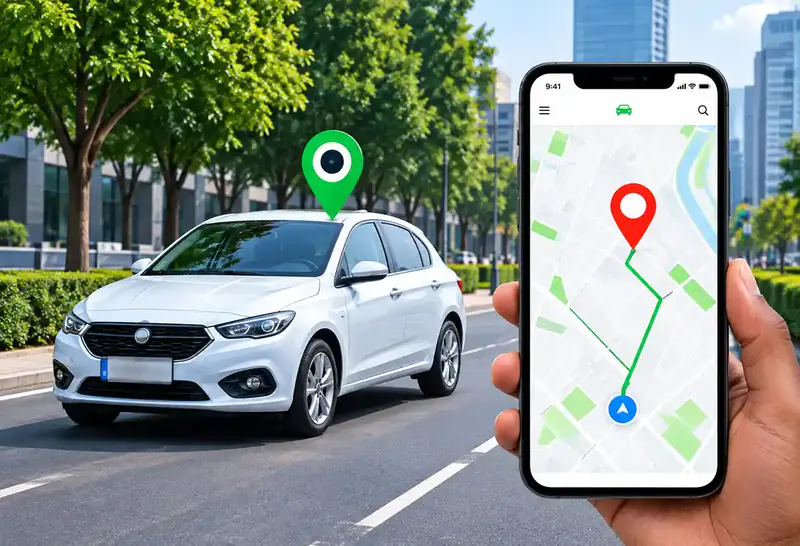
GPS Car Tracking
Reliable, real-time tracking for cars, trucks and motorbikes via web platform, mobile app and SMS.
-
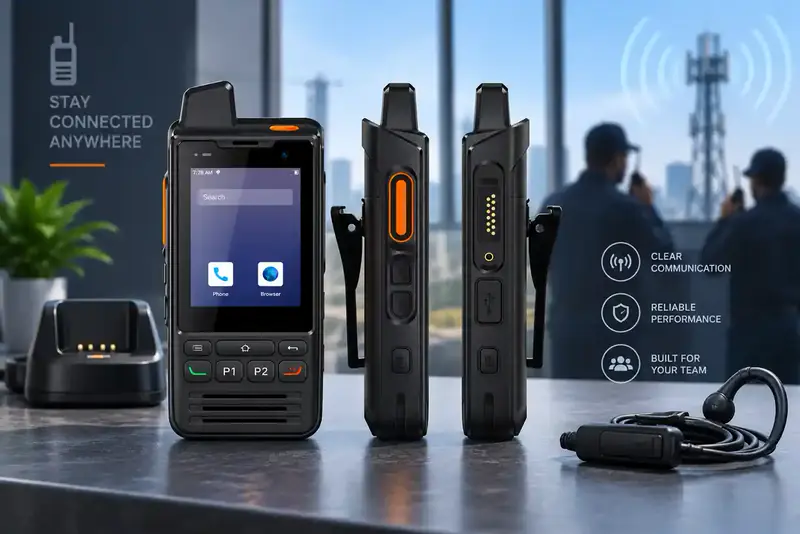
Trifokal 2-Way Radio
Internet-powered push-to-talk with incident reporting, geolocation and SOS alerts. IP68, 4G, 5300 mAh, Android.
-
Mobile Device Management
Full visibility and control to secure, manage and monitor corporate and employee-owned devices.