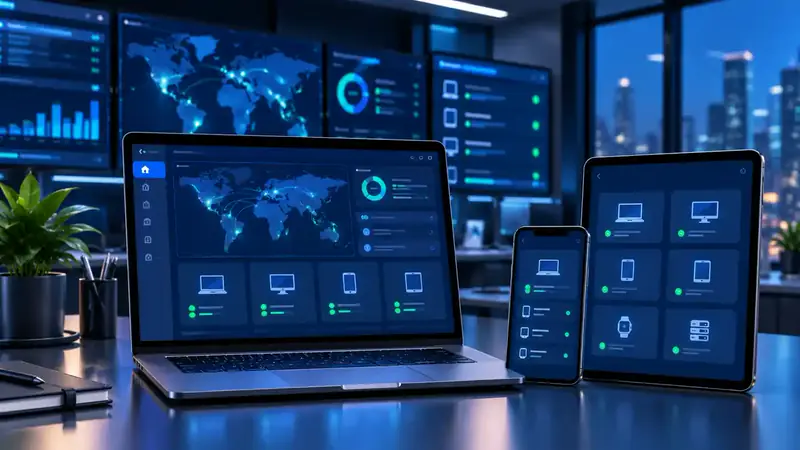
Software for a modern workforce.
Mobile Device Management
Give your IT team the visibility and control to secure, manage and monitor every company-owned or employee-owned phone and tablet that accesses your business data.
- Android
- iOS / iPadOS
- Company-owned
- BYOD
Why MDM
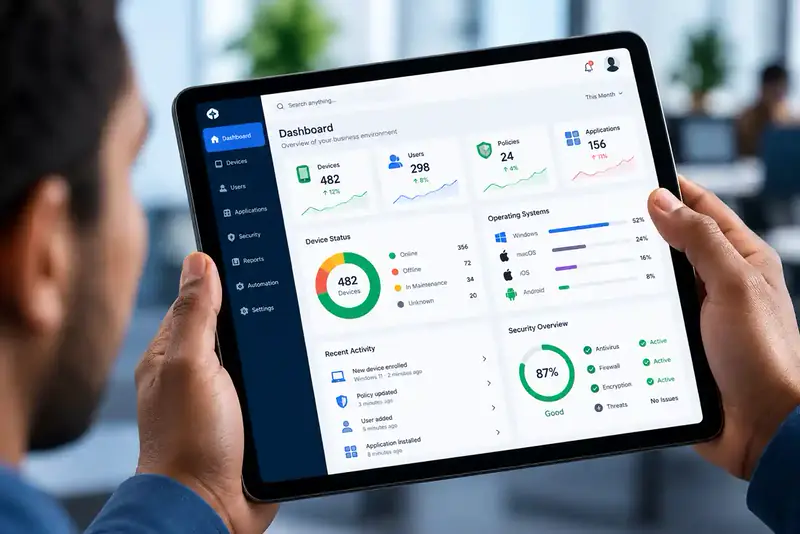
Your business now lives on phones and tablets
Email, files, customer data and business apps all travel in your employees' pockets. Without management, every device is a potential gap in your security.
-
Lost and stolen phones
A missing phone with email, files and business apps can expose sensitive company information.
-
Personal devices at work
Employees use their own phones for work, mixing business data with personal apps and photos.
-
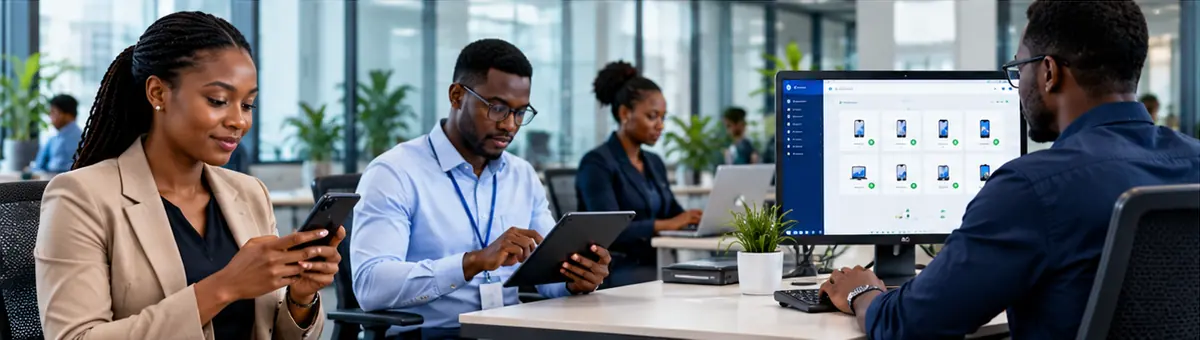
Teams in the field
Sales, delivery and field-service staff rarely come into the office for IT support or updates.
Corporate & BYOD
The right control for every device you allow
-
Company-owned devices
Full control over phones and tablets you issue — from setup and approved apps to OS updates and a complete remote wipe when needed.
-
Employee-owned devices (BYOD)
Business data and apps are kept separate from personal information, so you protect company data without touching employees' private content.
Key features
Everything you need to manage mobile devices
-
Enrolment & provisioning
Register new phones and tablets and apply your standard setup — Wi-Fi, apps, security and access — so they are ready for work on day one.
-
Security policies
Enforce passcodes, screen lock and encryption, and restrict risky OS settings across every managed mobile device.
-
App management
Deploy approved business apps, manage updates and settings, block unauthorised apps and maintain an app catalogue.
-
Remote lock & wipe
Lock a lost device instantly, remove business data selectively, revoke access or wipe the device completely.
-
Compliance monitoring
Spot devices that miss a security requirement or run an outdated OS, and take corrective action quickly.
-
OS update management
Track OS versions, set minimum requirements and schedule updates so every device stays current and secure.
-
Device inventory
See every phone and tablet with its model, OS version, ownership, assigned user and compliance status.
-
Remote management
Push settings and run management actions over the air — wherever your employees are working.
How it works
From unboxing to fully managed, over the air
-
Enrol
Company or employee devices are registered with the MDM platform.
-
Configure
IT sets security policies, apps and settings for each group of users.
-
Deploy
Settings, apps and commands are pushed to devices over the air.
-
Monitor
Compliance and device status are watched, and issues are fixed remotely.

Who it's for
Mobile teams in every industry
- Logistics & deliveryPhones and rugged devices used by drivers and field teams.
- Retail & hospitalityTablets and Android POS devices on the shop floor.
- Finance & bankingMobile devices that access financial information.
- HealthcareTablets and phones used by clinical and admin staff.
- EducationStudent and staff tablets, managed centrally.
- Security companiesGuard phones running patrol and reporting apps.
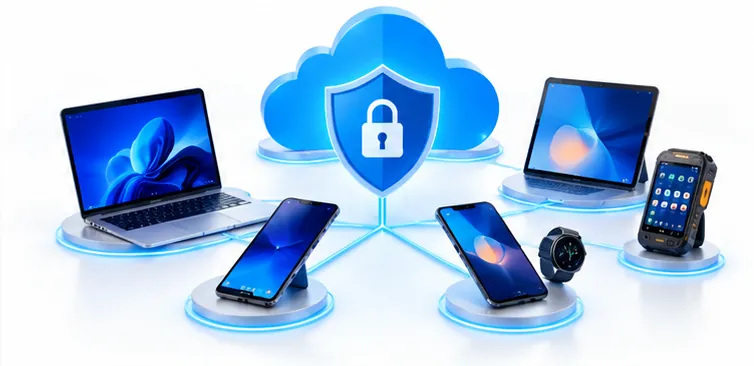
Managing laptops and desktops too?
Go further with Unified Endpoint Management
MDM covers phones and tablets. UEM brings computers, POS terminals and other endpoints into the same platform — one console for every device in your organisation.
FAQ
MDM questions, answered
What is Mobile Device Management?
MDM is software that lets your IT team set up, secure, monitor and manage smartphones and tablets from one central platform — whether the devices are company-owned or belong to employees.
Will MDM let my company see my personal photos and messages?
No. On employee-owned (BYOD) devices, MDM uses methods designed to keep business data separate from personal information. The company manages work apps and data, not your personal content.
What happens if a managed phone is lost or stolen?
IT can lock the device remotely, remove company data selectively or — on company-owned devices — wipe it completely, reducing the risk of unauthorised access to business information.
Does MDM work with both Android and iPhone?
Yes. MDM supports Android and Apple iOS/iPadOS devices from multiple manufacturers. The exact controls available depend on the platform, the device and how it is enrolled.
What is the difference between MDM and UEM?
MDM focuses on smartphones and tablets. Unified Endpoint Management (UEM) extends the same management to laptops, desktops and other endpoints in one platform.
Is MDM worth it for a small business?
Yes. As soon as several employees use phones or tablets for work, MDM saves IT time and protects company data — especially when you don't have a large IT team.

Get in touch
Secure your mobile workforce
Tell us how many phones and tablets your teams use, and whether they are company-owned or personal. We'll recommend the right MDM setup.
More from Trifokal Space
Explore our other products
-
QR-Patrol
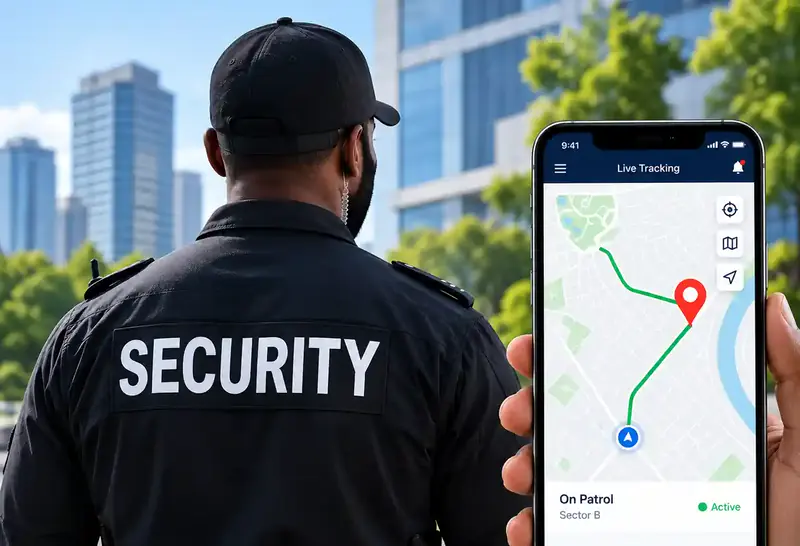
Cloud-based guard tour management with real-time site and officer information.
-
Cloud Time Clock
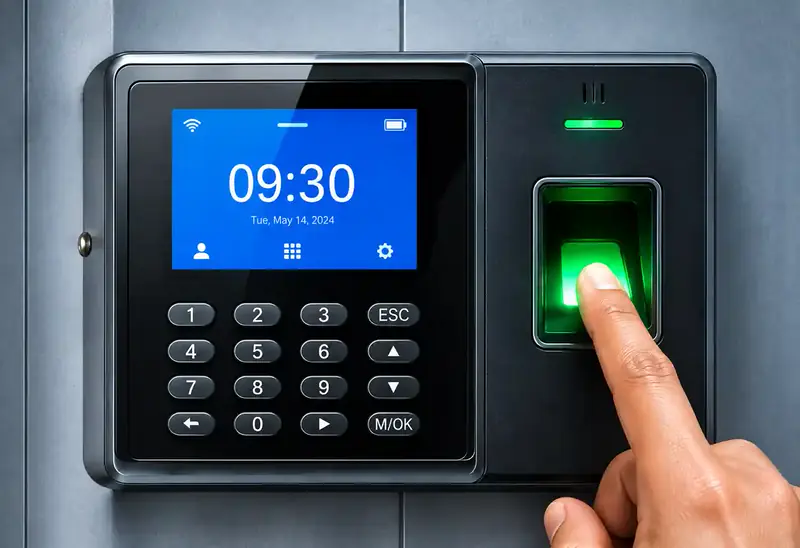
Real-time punch data, automated time cards, scheduling and reports. Supports 200 users and 30,000 logs, and keeps working offline.
-
GPS Car Tracking
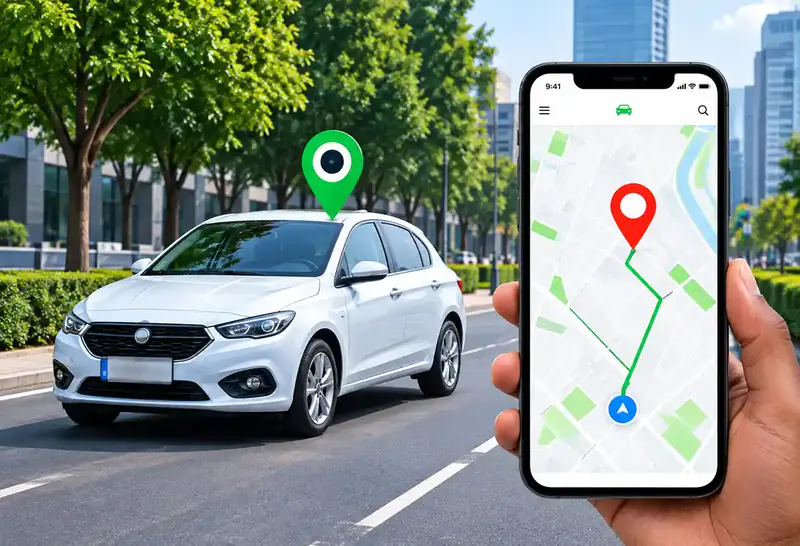
Reliable, real-time tracking for cars, trucks and motorbikes via web platform, mobile app and SMS.
-
Trifokal 2-Way Radio
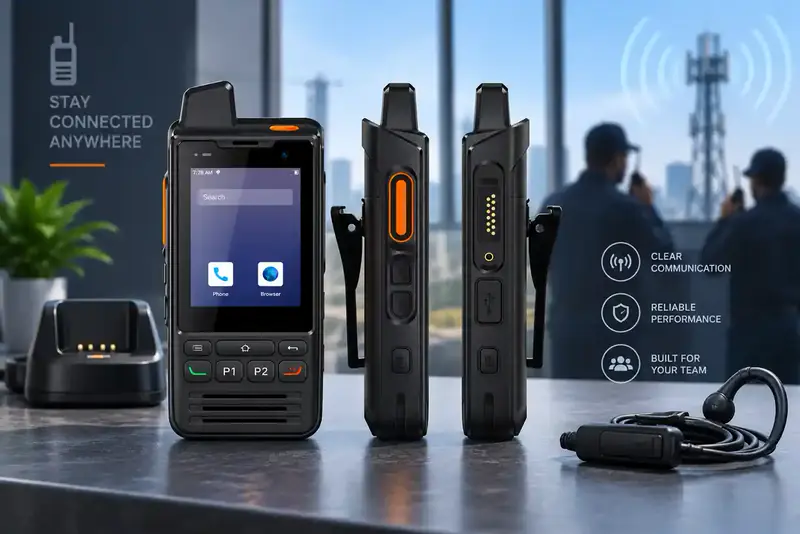
Internet-powered push-to-talk with incident reporting, geolocation and SOS alerts. IP68, 4G, 5300 mAh, Android.
-
Unified Endpoint Management
Centrally manage and secure computers, laptops, phones, tablets, POS systems and wearables.