Look, clock in, get to work.
Face Recognition Contactless staff attendance in Ghana
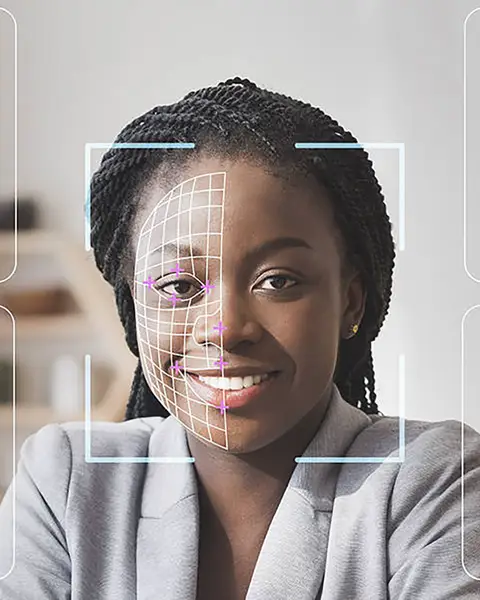
With face recognition attendance, employees clock in by simply looking at the terminal. Nothing to touch, nothing to carry, nothing a colleague can borrow — and every punch goes straight to the cloud for time cards and reports.
Why face recognition
The fastest honest clock-in
Paper registers can be signed for a friend, cards can be lent and PINs can be shared. Face recognition ties each clock-in to the person standing in front of the terminal, which ends buddy punching for good.
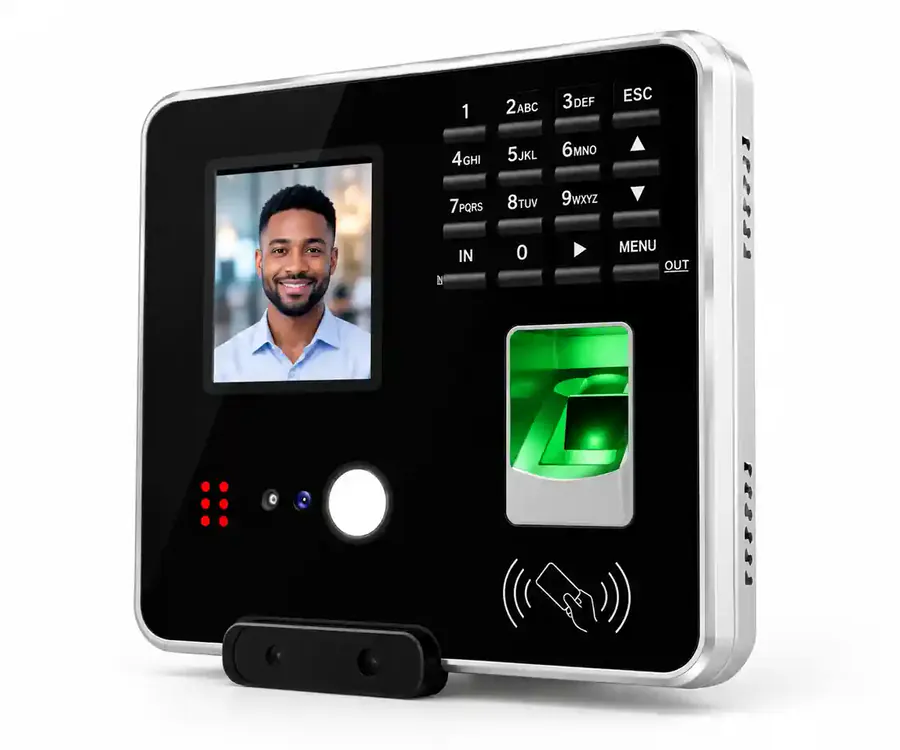
It's also contactless — useful in clinics, kitchens and anywhere hygiene matters — and works well for staff whose fingerprints are worn by manual work. The Cloud Time Clock supports both face recognition and fingerprint, so every employee can use the method that suits them.
- Contactless clock-in by face
- Fingerprint on the same terminal
- Punches synced to the cloud automatically
What you get
Face recognition attendance, done properly
Face recognition
Employees are recognised at the terminal and the punch is recorded against their name.
Fingerprint too
The same terminal reads fingerprints, giving each employee a second way to clock in.
Automatic time cards
Hours, late arrivals, early departures and missing punches calculated in the cloud.
Shifts & schedules
Morning, evening, rotating and weekend shifts compared with actual punches.
Works offline
Punches are stored during internet outages and synced when the connection returns.
Reports that send themselves
Daily, weekly or monthly attendance reports emailed to managers.
Getting started
From installation to first report
-
Install
We mount the terminal and connect it by LAN or 2.4 GHz Wi-Fi.
-
Enrol faces
Each employee's face (and fingerprint, if wanted) is registered once.
-
Set schedules
We configure working hours, shifts and departments.
-
Go live
Staff clock in by face; reports start arriving.
Privacy
Respect your employees' data
A face template is personal data. Tell staff what is collected and why, restrict who can see attendance records, and keep data only as long as you need it — in line with Ghana's Data Protection Act, 2012 (Act 843).
We'll explain how the system stores enrolment data so you can write a clear staff policy before go-live.
- Explain enrolment to staff
- Limit access by user role
- Offer fingerprint as an alternative
- Document it in your HR policy
Where it works best
Face recognition attendance for
Clinics & hospitals
Contactless clock-in for clinical staff.
Warehouses & factories
Manual workers whose fingerprints are worn.
Schools
Quick morning clock-in for teaching staff.
Retail & hospitality
Busy shift changes at shops, hotels and restaurants.
FAQ
Face recognition attendance questions, answered
What is a face recognition attendance system?
A time clock that identifies employees by their face when they clock in or out, and records the time against their name. With the Cloud Time Clock, those punches go to a cloud platform that produces time cards and reports.
Is face recognition better than fingerprint?
Both stop buddy punching. Face recognition is contactless and suits staff with worn fingerprints; fingerprint is familiar to most employees. The Cloud Time Clock supports both, so you don't have to choose.
How many employees can it handle?
The Cloud Time Clock supports up to 200 users and 30,000 attendance logs per terminal; larger organisations use several terminals on one account.
Does it work when the internet is down?
Yes. Punches are stored on the terminal and synced with the cloud when the connection returns.
Do you install face recognition attendance in Ghana?
Yes. Trifokal Space supplies and installs the terminal, enrols your employees, configures shifts and trains your HR team, with support from our office in East Legon, Accra.
Explore by need
Related solutions
-
Employee Time & Attendance Systems
Compare paper registers, card, fingerprint and cloud attendance — and choose the right fit.
-
Biometric Time Attendance Systems
Face or fingerprint clock-in that stops buddy punching, with time cards calculated for you.
-
Fingerprint Attendance Machine
A cloud-connected fingerprint terminal — installed, enrolled and supported in Ghana.
-
Attendance Machine Price in Ghana
What an attendance system really costs — device, installation, software and support.
-
Cloud-Based Attendance Management
Check attendance for every branch from a browser, with reports that send themselves.
-
Workforce Management Software
Attendance, guard patrols, vehicles and devices — managed for office and field teams.

Get in touch
Switch to contactless attendance
Tell us how many employees and entrances you have. We'll recommend a setup and send an itemised quote.
Trifokal Space products
The products behind our solutions
-
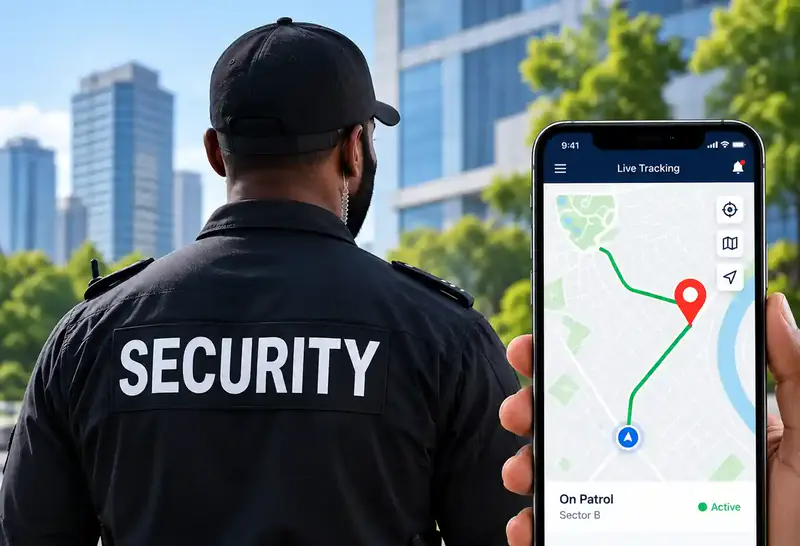
QR-Patrol
Cloud-based guard tour management with real-time site and officer information.
-
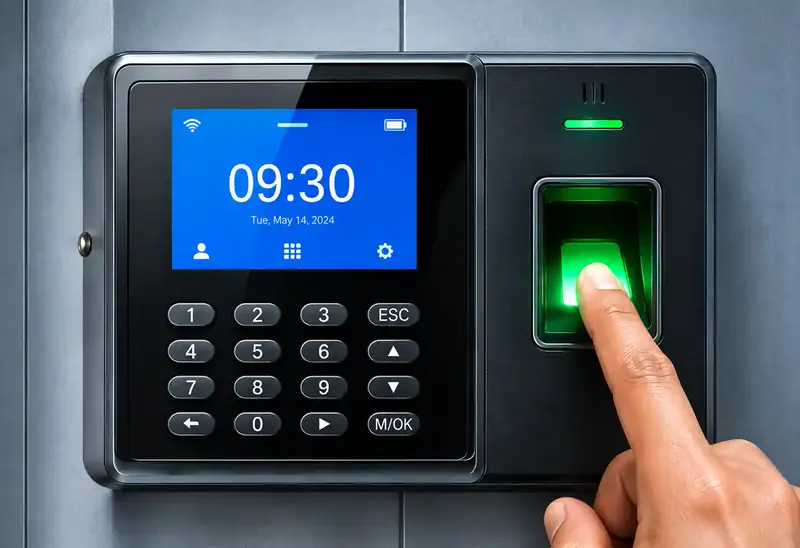
Cloud Time Clock
Real-time punch data, automated time cards, scheduling and reports. Supports 200 users and 30,000 logs, and keeps working offline.
-
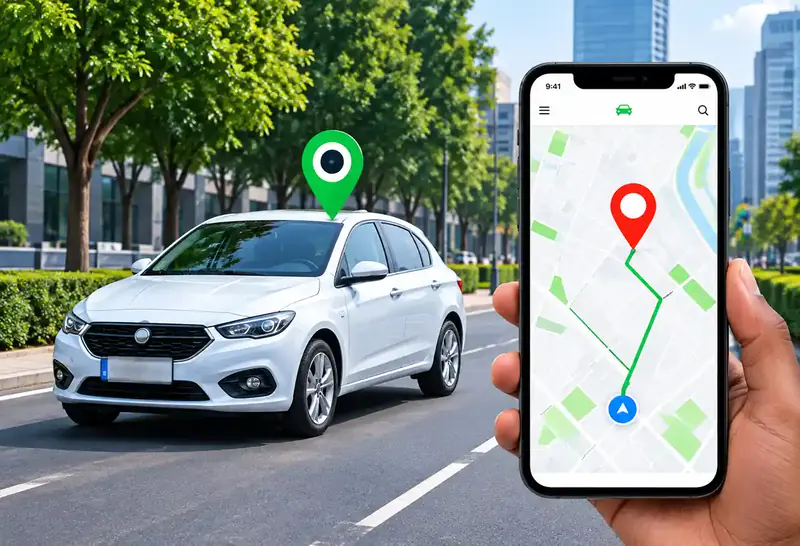
GPS Car Tracking
Reliable, real-time tracking for cars, trucks and motorbikes via web platform, mobile app and SMS.
-
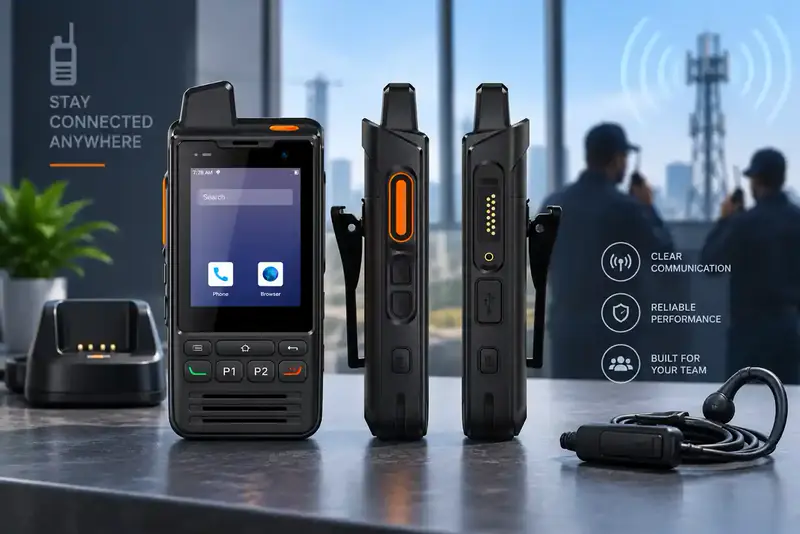
Trifokal 2-Way Radio
Internet-powered push-to-talk with incident reporting, geolocation and SOS alerts. IP68, 4G, 5300 mAh, Android.
-
Unified Endpoint Management
Centrally manage and secure computers, laptops, phones, tablets, POS systems and wearables.
-
Mobile Device Management
Full visibility and control to secure, manage and monitor corporate and employee-owned devices.