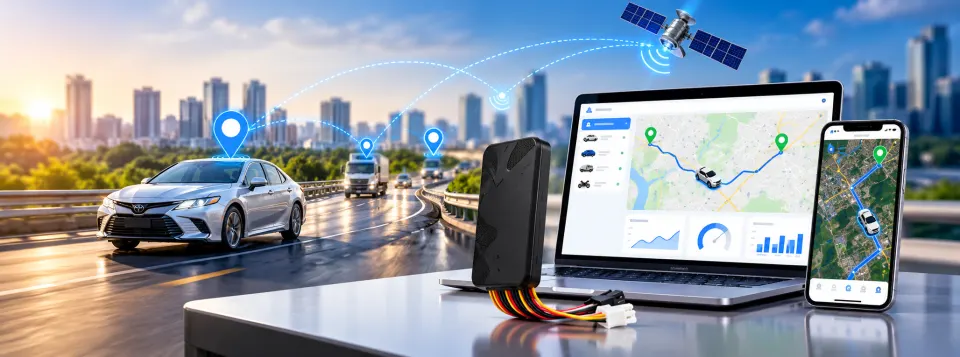
Web platform, mobile app or SMS: which way of following your vehicles suits your team best? It is a fair question. GPS Car Tracking from Trifokal Space gives you reliable, real-time tracking for cars, trucks and motorbikes. You see where each vehicle is, the routes it has taken and its
journey history, which is what field teams need to stay coordinated. What changes from one team to the next is how people want to reach that information.
The three access methods suit different roles, locations and working habits. This guide compares
them so you can decide which fits best, or which combination does.
The web platform: the full picture from the office
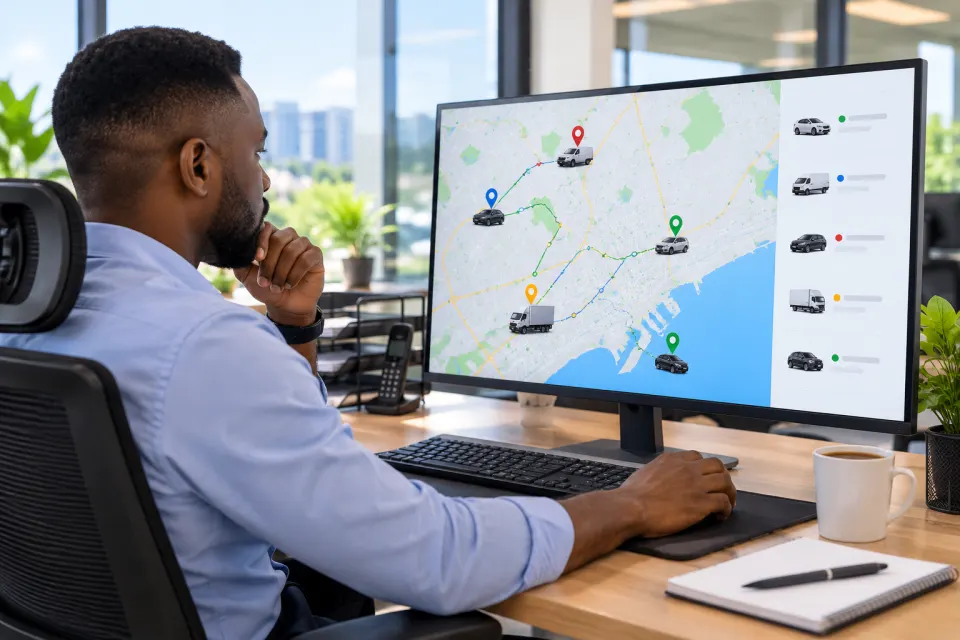
The web platform is the natural home base for the people who manage vehicles all day. Opening it in a browser on a desktop or laptop gives you room to see vehicle locations, review routes and look back through journey history.
It tends to suit:
- Dispatchers and fleet managers who coordinate several vehicles at once
- Operations teams who review routes and journeys after the fact
- Managers who need a clear overview rather than a quick glance
The main consideration is that it is tied to a screen and a connection. It is ideal at a desk, but less convenient when you are away from one.

The mobile app: tracking that moves with you
The mobile app puts vehicle tracking in your pocket. Supervisors, business owners and team leaders who spend their day on site, in meetings or on the road can check where a vehicle is without returning to the office.
It tends to suit:
- Supervisors who move between locations
- Owners and managers who want visibility outside office hours
- Field team leads who need to answer "where is the vehicle now?" quickly
The trade-off is screen size. For detailed route review or comparing many vehicles, the web platform is usually the more comfortable tool. For fast, on-the-spot checks, the app is hard to beat.
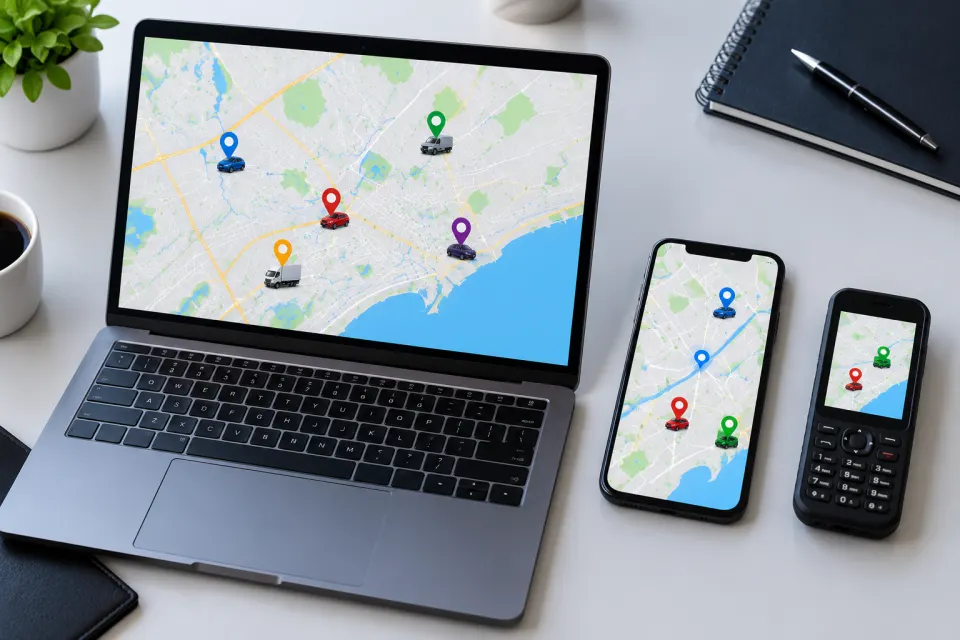
SMS: the simplest route to a vehicle's location
SMS is the lightest way to follow a vehicle. There is no dashboard to open and no app to learn, only a text message. That simplicity can be valuable for team members who need a location now and do not want to work through a full interface.
It tends to suit:
- Staff who need a quick answer rather than a detailed view
- Situations where opening a platform or app is not practical
- Teams who prefer the most straightforward option available
SMS is built for speed and simplicity, not for in-depth analysis. If you need to study routes or journey history, pair it with the web