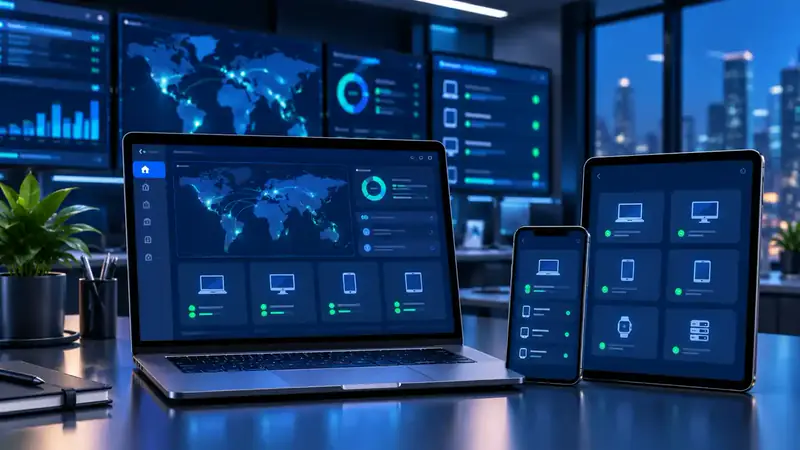
Business devices that only do business.
Kiosk mode & POS Device management for business devices
POS terminals, tablets at the counter and phones given to agents and riders end up running games, social media and unknown apps. Device management locks them down to the apps your business needs, and lets you manage every device remotely.
The problem with unmanaged devices
One device, one job
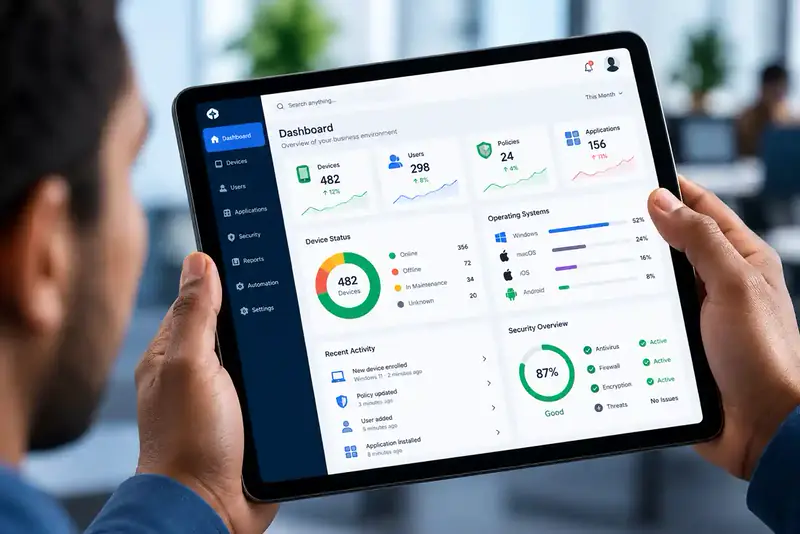
A shop tablet that becomes a YouTube screen, a POS terminal with apps nobody approved, an agent's phone full of personal data — unmanaged business devices waste data, slow down, break, and put customer and payment information at risk.
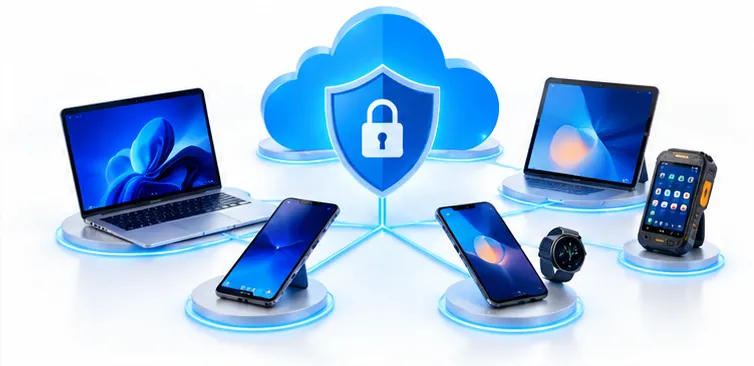
With Mobile Device Management you decide which apps each device may run and restrict settings users shouldn't change. Where the device and platform support it, a device can be locked into a single app or a small set of apps — often called kiosk mode. Updates and settings are pushed over the air, so you rarely need to collect devices.
- Only approved business apps
- Settings users can't change
- Updates and fixes pushed remotely
Controls
What you can control on each device
Approved apps only
Deploy your business apps, block unauthorised ones and maintain an app catalogue.
Locked-down devices
Restrict risky settings and, where supported, lock a device to a single app or a few.
Remote updates
Push app and OS updates without collecting devices.
Security policies
Enforce passcodes, screen lock and encryption on every device.
Device inventory
Know every device, its model, OS, assigned user and compliance status.
Lock & wipe
Lock a lost or stolen device and remove business data remotely.
Typical devices
Where kiosk-style management helps
Retail POS & counter tablets
Point-of-sale and ordering devices in shops and restaurants.
Agent & collection devices
Phones and POS devices used by agents, collectors and field sales.
Driver & rider phones
Delivery apps only, with company settings locked.
Hotel & reception tablets
Check-in, feedback and information screens.
Clinic tablets
Patient registration and clinical apps.
Guard patrol phones
Phones that run only the patrol app.
FAQ
Kiosk mode & POS management questions, answered
What is kiosk mode?
Kiosk mode locks a device so users can only use one app, or a small set of approved apps, and can't change settings or install other apps. It's common on POS terminals, counter tablets and field devices. Availability depends on the device and management platform, which we check during assessment.
Can you manage Android POS terminals?
Android-based POS devices can generally be enrolled in device management. We confirm compatibility for your specific models before rollout.
Can I update apps on all devices at once?
Yes. Approved apps and updates are deployed over the air to every managed device or to selected groups.
What if a device is lost or stolen?
You can lock it remotely and remove business data, or wipe a company-owned device completely.
Do you set this up in Ghana?
Yes. Trifokal Space assesses your devices, enrols them, configures the policies and supports you from Accra.
Explore by need
Related solutions
-
Lost Company Phone Protection
Lock a lost or stolen work phone and remove company data — remotely.

Get in touch
Lock down your business devices
Tell us what devices you use and what they should be allowed to do. We'll recommend the right setup.
Trifokal Space products
The products behind our solutions
-
QR-Patrol
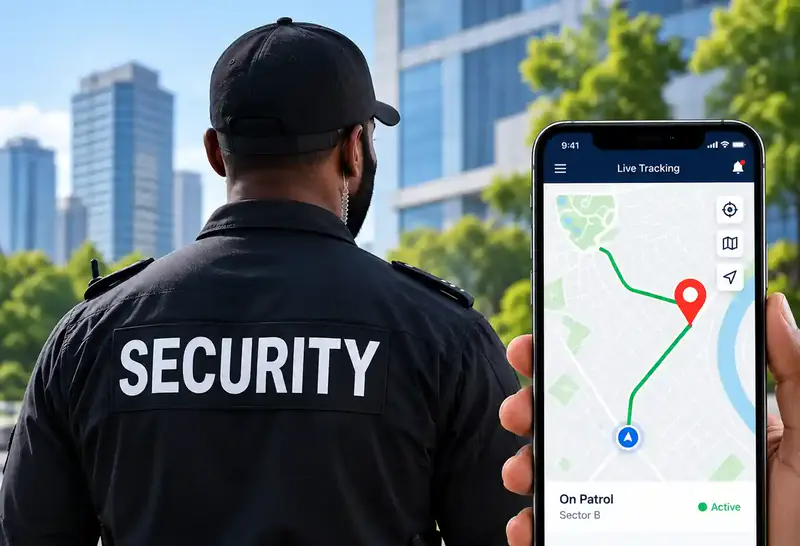
Cloud-based guard tour management with real-time site and officer information.
-
Cloud Time Clock
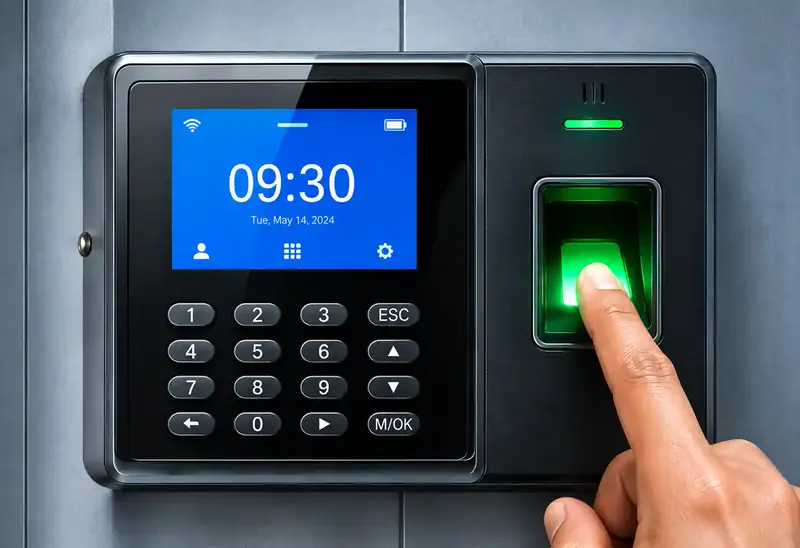
Real-time punch data, automated time cards, scheduling and reports. Supports 200 users and 30,000 logs, and keeps working offline.
-
GPS Car Tracking
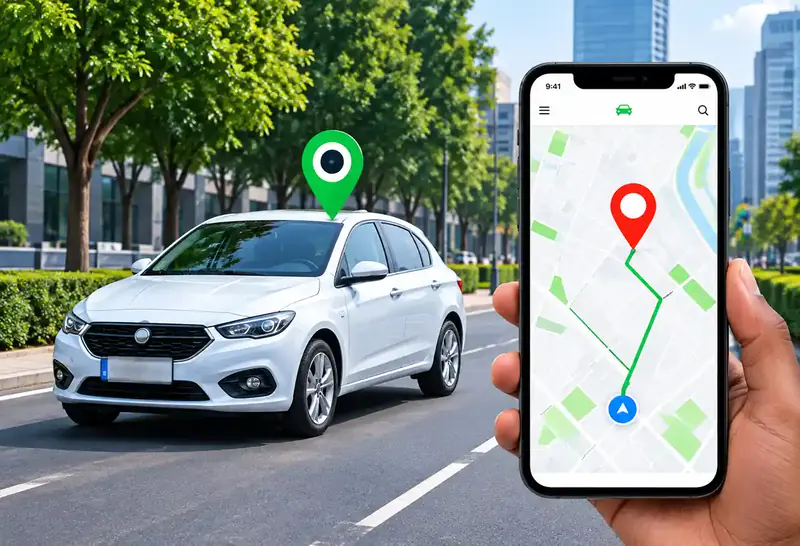
Reliable, real-time tracking for cars, trucks and motorbikes via web platform, mobile app and SMS.
-
Trifokal 2-Way Radio
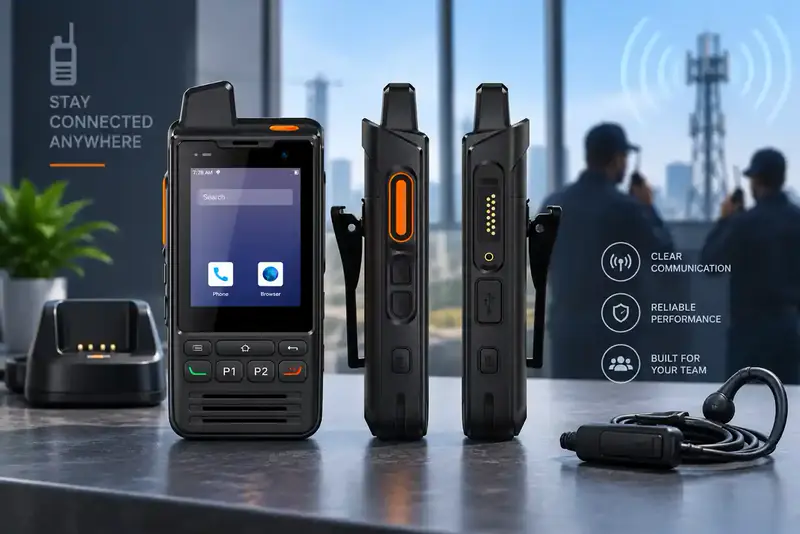
Internet-powered push-to-talk with incident reporting, geolocation and SOS alerts. IP68, 4G, 5300 mAh, Android.
-
Unified Endpoint Management
Centrally manage and secure computers, laptops, phones, tablets, POS systems and wearables.
-
Mobile Device Management
Full visibility and control to secure, manage and monitor corporate and employee-owned devices.