Phones get lost. Company data shouldn't.
Lost company Phone? Lock it and protect your data remotely
A work phone left in a trotro or snatched at a junction can carry customer lists, emails, banking apps and passwords. With device management in place, you can lock it and remove company data within minutes — from your desk.

Prepare before it happens
You can't protect a phone you don't manage
Most businesses only think about this after a phone is gone — and by then it's too late, because nothing was set up to lock or wipe it remotely. Changing every password and warning customers takes days.
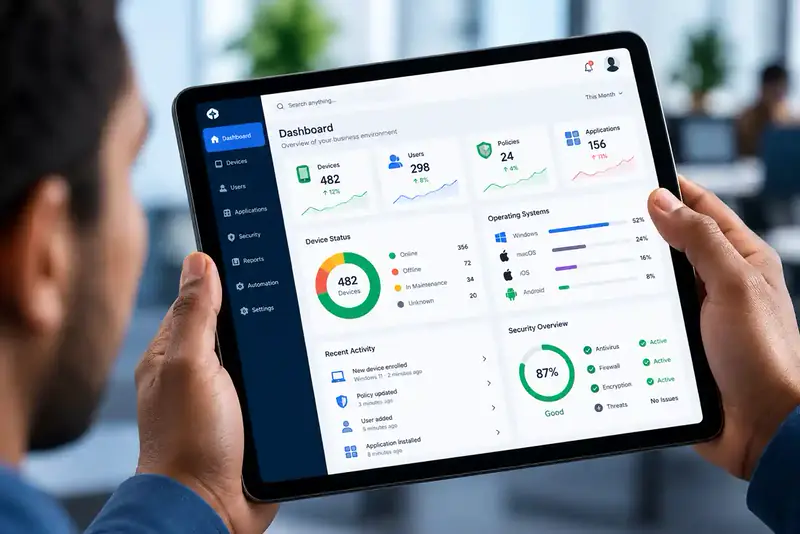
With Mobile Device Management, every work phone and tablet is enrolled in advance. Passcodes and encryption are enforced, so a lost device is harder to open; if it's lost or stolen, IT can lock it, remove business data selectively or wipe a company-owned device completely.
- Passcodes and encryption enforced in advance
- Remote lock within minutes
- Business data removed — personal data left alone on BYOD
Protection features
What you can do when a phone goes missing
Remote lock
Lock the device immediately so nobody can use it.
Selective data removal
Remove company email, files and apps while leaving personal content on employee-owned phones.
Full wipe
Erase a company-owned device completely when it won't be recovered.
Revoke access
Cut the device off from business systems and accounts.
Passcode & encryption
Policies in place beforehand make a lost device much harder to break into.
Fast replacement
Enrol a new phone and restore the standard business setup quickly.
If a phone is lost
Four steps, minutes not days
-
Employee reports it
They tell IT or their manager straight away.
-
Device locked
IT locks it remotely from the console.
-
Data removed
Business data is removed or the device wiped.
-
Replacement ready
A new device is enrolled with the standard setup.
FAQ
Lost phone questions, answered
Can I lock a lost company phone remotely?
Yes, if it was enrolled in Mobile Device Management beforehand. IT can lock it from the management console as soon as it's reported.
Will wiping a lost phone delete the employee's personal photos?
On employee-owned (BYOD) phones, MDM removes only the business data and apps. A full wipe is used on company-owned devices.
Can MDM find a lost phone?
Location features depend on the device, its settings and the management platform. The essential protection — locking the device and removing company data — works regardless.
Does it work on Android and iPhone?
Yes. MDM supports Android and Apple iOS/iPadOS devices; the exact controls depend on the operating system and how the device was enrolled.
We have only ten phones. Is it worth it?
Yes. One lost phone with customer or financial data can cost far more than managing all ten. Small teams also benefit from faster setup of new phones.
Explore by need
Related solutions
-
Kiosk Mode & POS Device Management
Lock tablets, POS and agent devices to approved apps and manage them remotely.

Get in touch
Protect your company phones before one goes missing
Tell us how many work phones and tablets you have. We'll set up device management and your lost-device procedure.
Trifokal Space products
The products behind our solutions
-
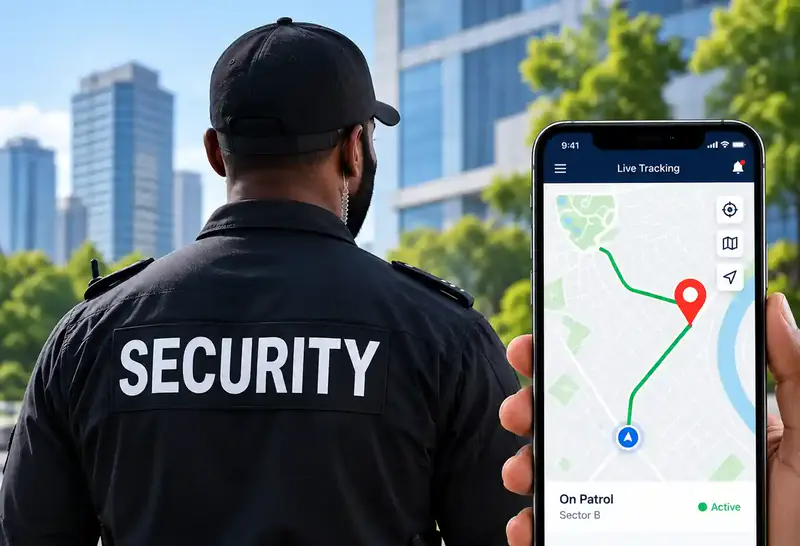
QR-Patrol
Cloud-based guard tour management with real-time site and officer information.
-
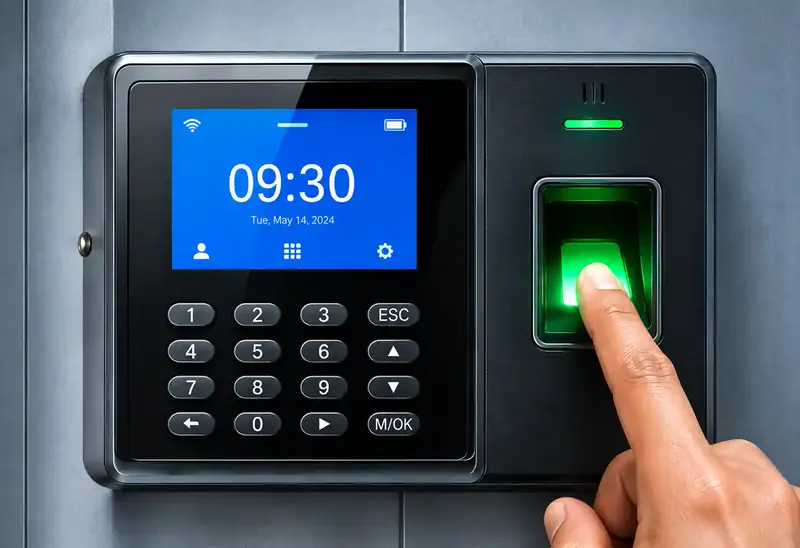
Cloud Time Clock
Real-time punch data, automated time cards, scheduling and reports. Supports 200 users and 30,000 logs, and keeps working offline.
-
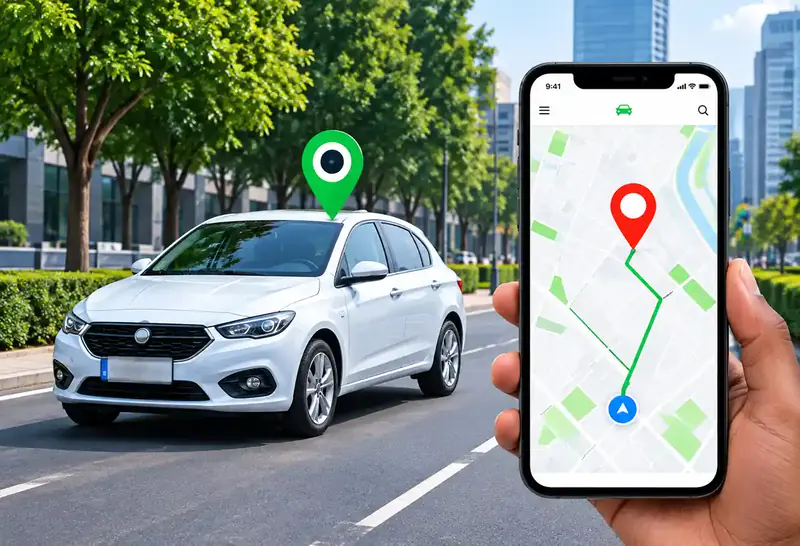
GPS Car Tracking
Reliable, real-time tracking for cars, trucks and motorbikes via web platform, mobile app and SMS.
-
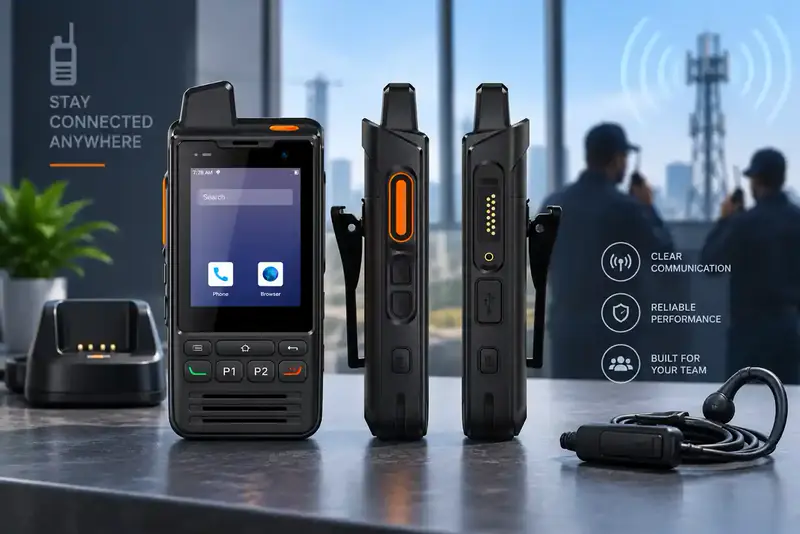
Trifokal 2-Way Radio
Internet-powered push-to-talk with incident reporting, geolocation and SOS alerts. IP68, 4G, 5300 mAh, Android.
-
Unified Endpoint Management
Centrally manage and secure computers, laptops, phones, tablets, POS systems and wearables.
-
Mobile Device Management
Full visibility and control to secure, manage and monitor corporate and employee-owned devices.